Accessing Assignments
Access to Panopto is managed through the Blackboard assignment, so you do not need to log in to Panopto manually.
Your course tutor will set up your video assignment using a link in your Blackboard Learn Ultra module. This will look like a standard Blackboard assignment.

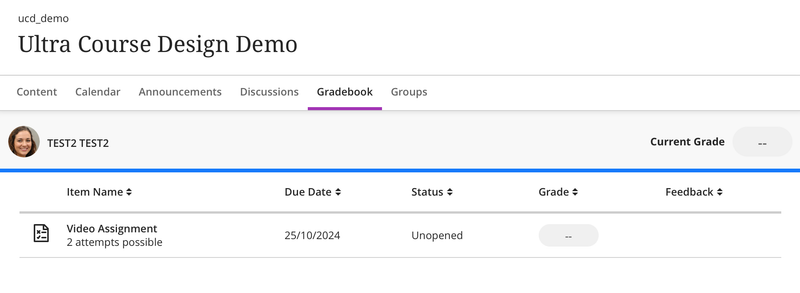
You can also find your assignment in the Gradebook tab:
Once you have accessed the assignment, you can record and upload your video submission with Panopto Capture using your web browser.
You do not need to download any software to use Panopto!
Grades and Feedback
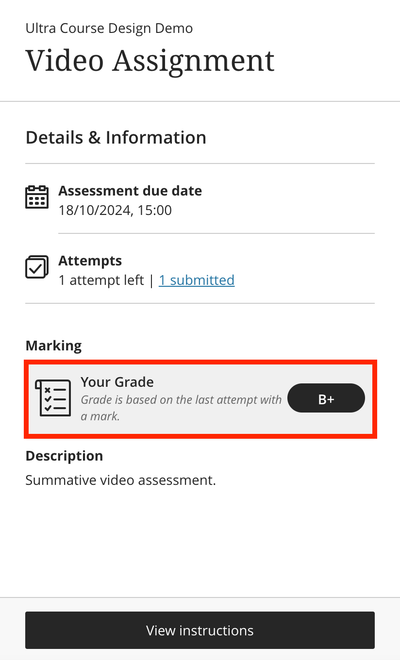
When you submission has been marked, you will be able to access grades and feedback in Blackboard by clicking on the assignment link and then clicking on the Your Grade button in the marking section of the panel that opens: