
Viewing Lectures
Panopto allows tutors to live stream sessions which are accessible from your Blackboard course. Not only can you watch the live session, but you can interact using the online chat feature.
Access the Live Session
You can use the link supplied in your Blackboard course to access the live session:

If the live stream has not yet begun, you will see a holding message:
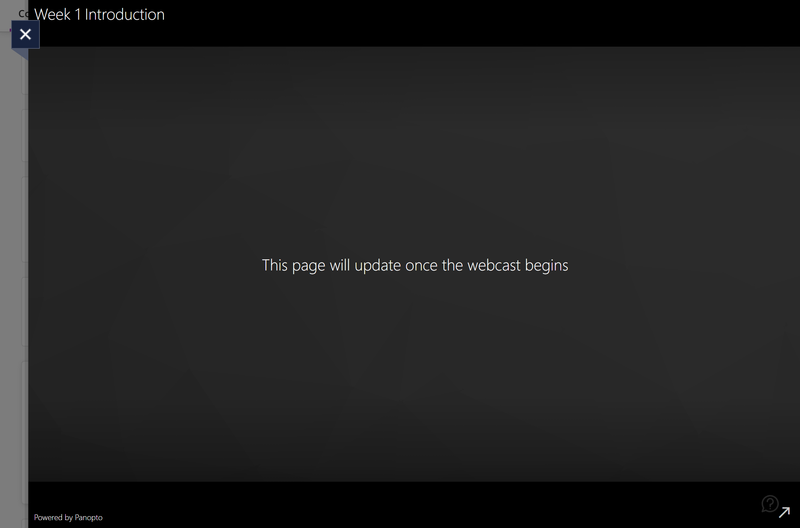
The page will load when the teaching session is started by your course tutor.
View and Interact
When the live session is running, you be able to view this from the player within Blackboard.
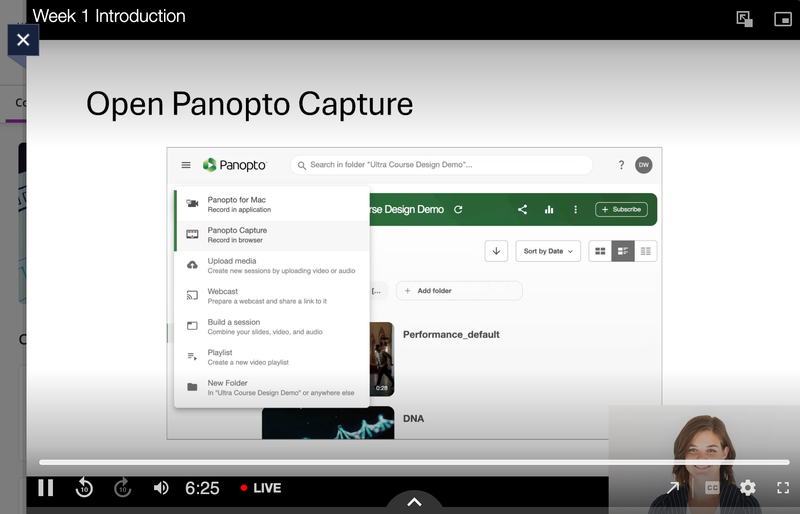
To post a chat message to the tutor, click on the chevron icon at the bottom of the screen:

This will open a new panel where you can type a question, and click the Post button:

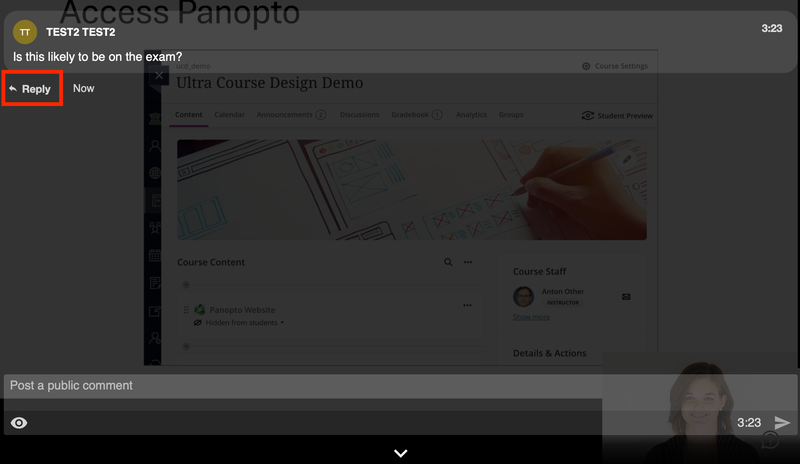
You can respond to chat messages by clicking on the Reply button to any message:
Please note that although live lectures are broadcast as a live stream, there will be a few seconds delay between when the lecture is running and when it is delivered, so chat messages may take a few seconds to appear for your tutor to see and respond to.
Once the live session is over, it will be made available from the same course link for later review.