Finding Submitted Assignments
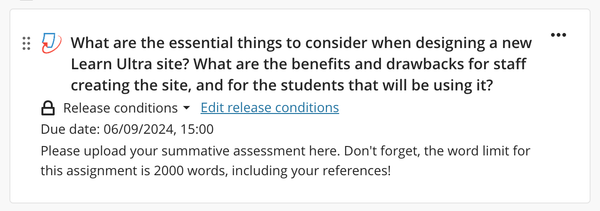
Submitted Turnitin submissions, together with the associated originality report appear in the Assignment Inbox for each assessment. To access a submitted Turnitin paper, navigate to where the assignment link has been set up, and click on the link.
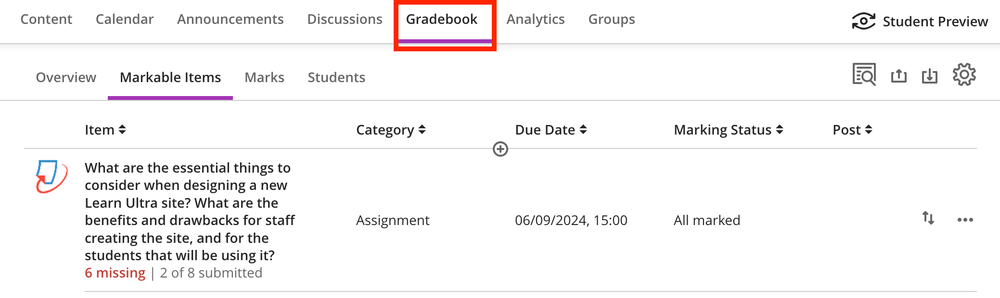
You can also access the assignment from the list of Markable Items in the course Gradebook:
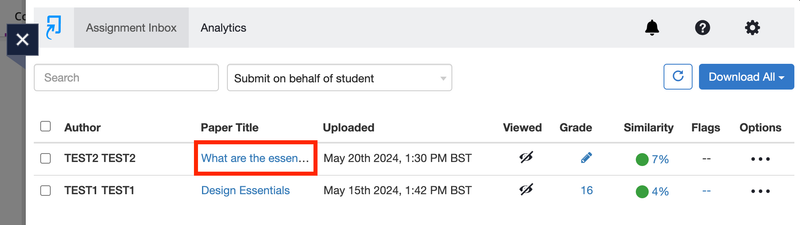
The Assignment Inbox will open, and each submission will be listed. Click on the Paper Title of the submission you wish to mark:
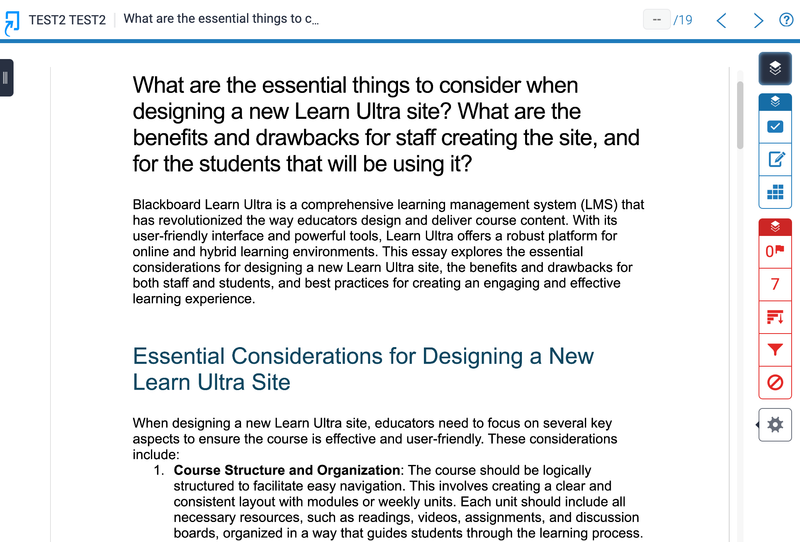
The paper will open in Feedback Studio: