Releasing Grades and Feedback
Turnitin automatically releases grades and feedback on the Feedback and Release date, so you don't need to release these grades manually:
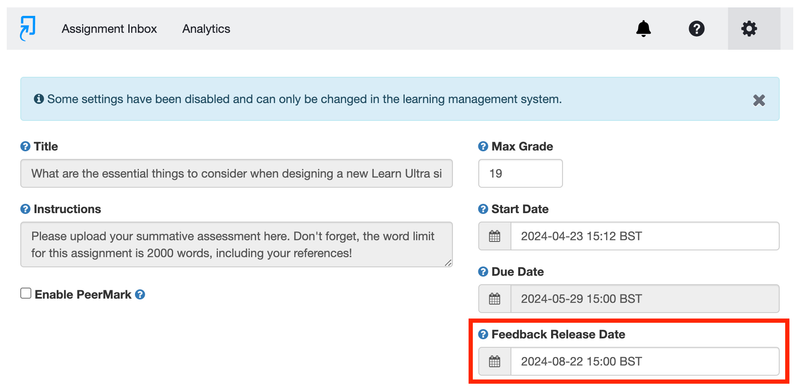
Grades will appear as a numerical value in Turnitin and as a letter grade in Learn Ultra.
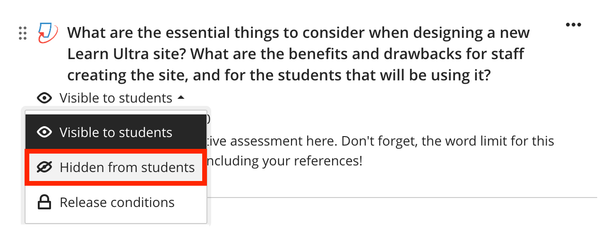
Once the release date has passed and the grades and feedback have become available to students, they cannot be unreleased if a mistake has been made with the dates! The grade will be available in the Blackboard Ultra Gradebook for students to access. The only way to block access to students for a released Turnitin assignment (including grades and feedback) is to make the entire Turnitin submission point hidden from students.