
Managing Submissions
Once the Turnitin submission point has been set up, you can access the assignment to see who has submitted, and who is yet to submit. When a student submits a paper, this will be detailed in the Assignment Inbox:
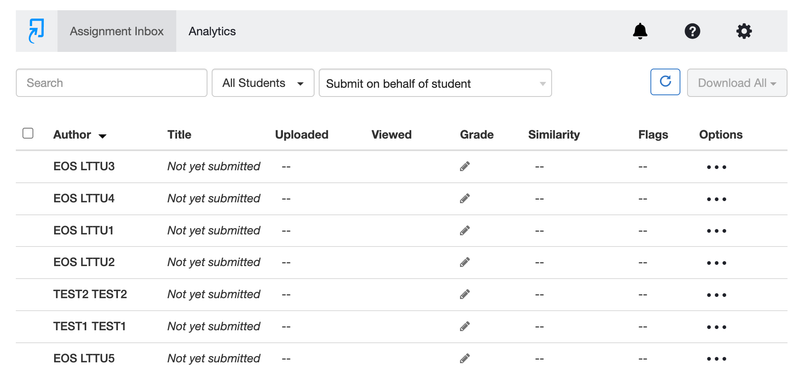
If your Turnitin assignment has been set up as anonymous, it is possible to see the submission status for each student, however it will not display their name. This allows you to see how many students have yet to submit without disabling anonymity.

* If you need to be able to routinely access the identities of the students at any time before the feedback release date, you should not use an anonymous assignment.