Announcements
You can use the Announcements tool to contact students with module updates, reminders or any other messages that are relevant to the teaching of your module such as room changes or release of grades and feedback. Once an announcement is sent, the message will appear on the Activity page in the Blackboard dashboard.
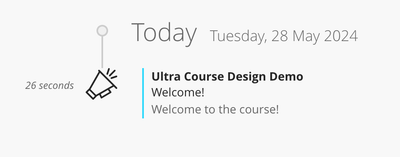
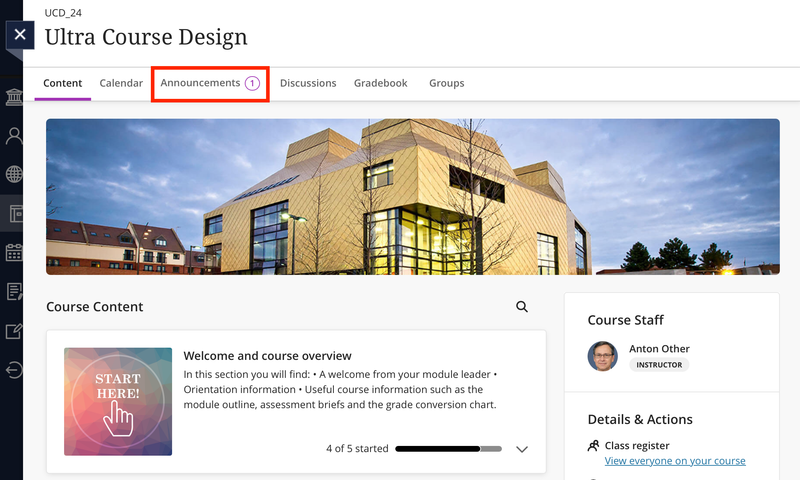
It will also be available on the Announcements tab in the module, as well as a message pushed to the mobile app if the student has this installed.
Send an Announcement
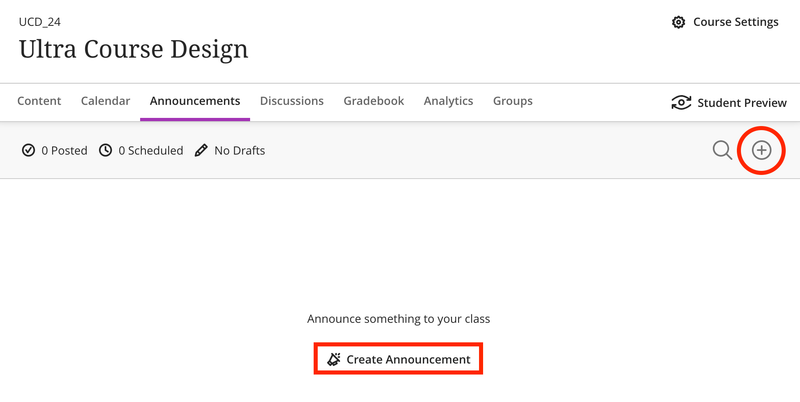
To send an Announcement, navigate to the Announcements page in your module and click the Create Announcement button or the Plus button:
Add your text for the announcement using the text editor. You can use the toolbar to change fonts and formatting, add images and video or attach files.
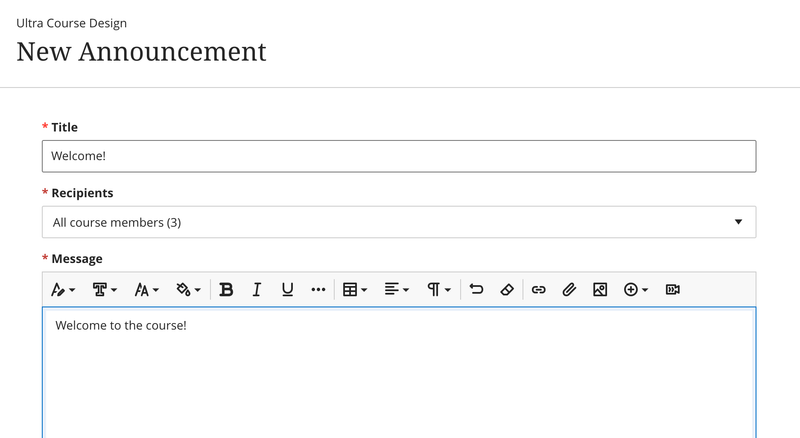
Select the Send an email copy to recipients to ensure that the announcement will also be sent via email and click the Post button.

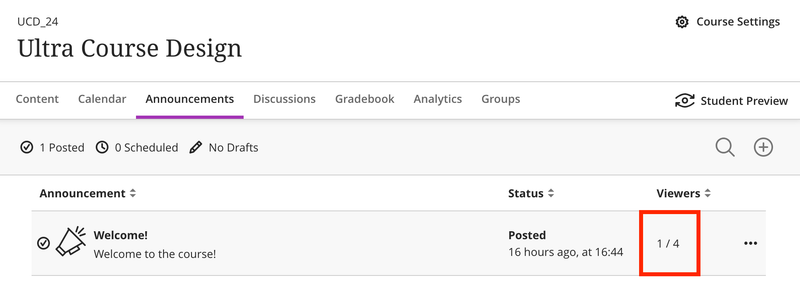
Now that the announcement has been sent, you can use the same page to see how many users have accessed it from Blackboard: