Removing Unused Files
Blackboard manages files for you so that when you delete something from the module Content page, it is removed from the module completely, freeing up space to re-use. This is important because each Blackboard module is limited to 1GB in size.
However, in some instances you may find that deleting content only removes this from the content page itself but keeps the file available in the module behind the scenes, so does not free up any space.
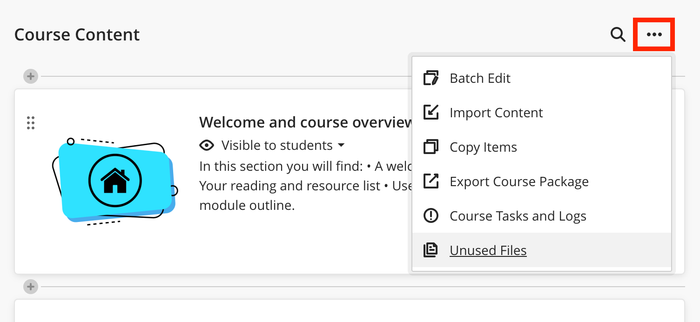
This can happen if you copy content that remains unused or some types of external content that can be added to Blackboard modules. You can manage this by clicking on the options button (three horizontal dots) to the right of the Search button and choose Unused Files:
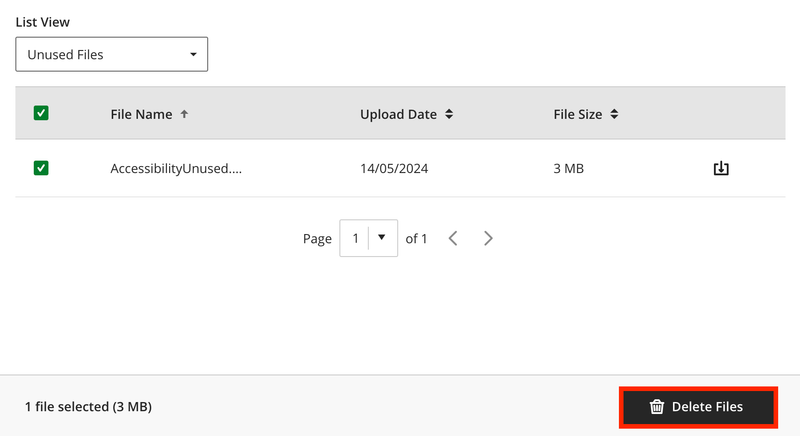
In the page that opens, select any unused files and click the Delete Files button to remove them and free up the space they were taking up.